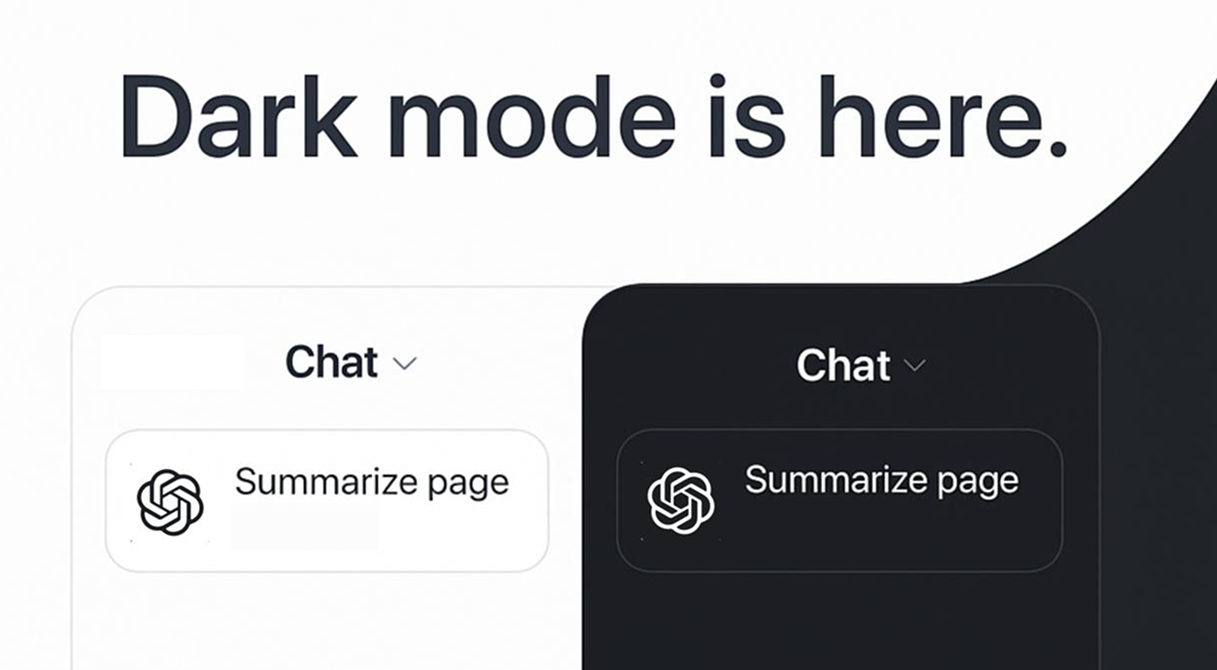
You can toggle dark mode in the settings.
August 5th, 2025
July 30th, 2025
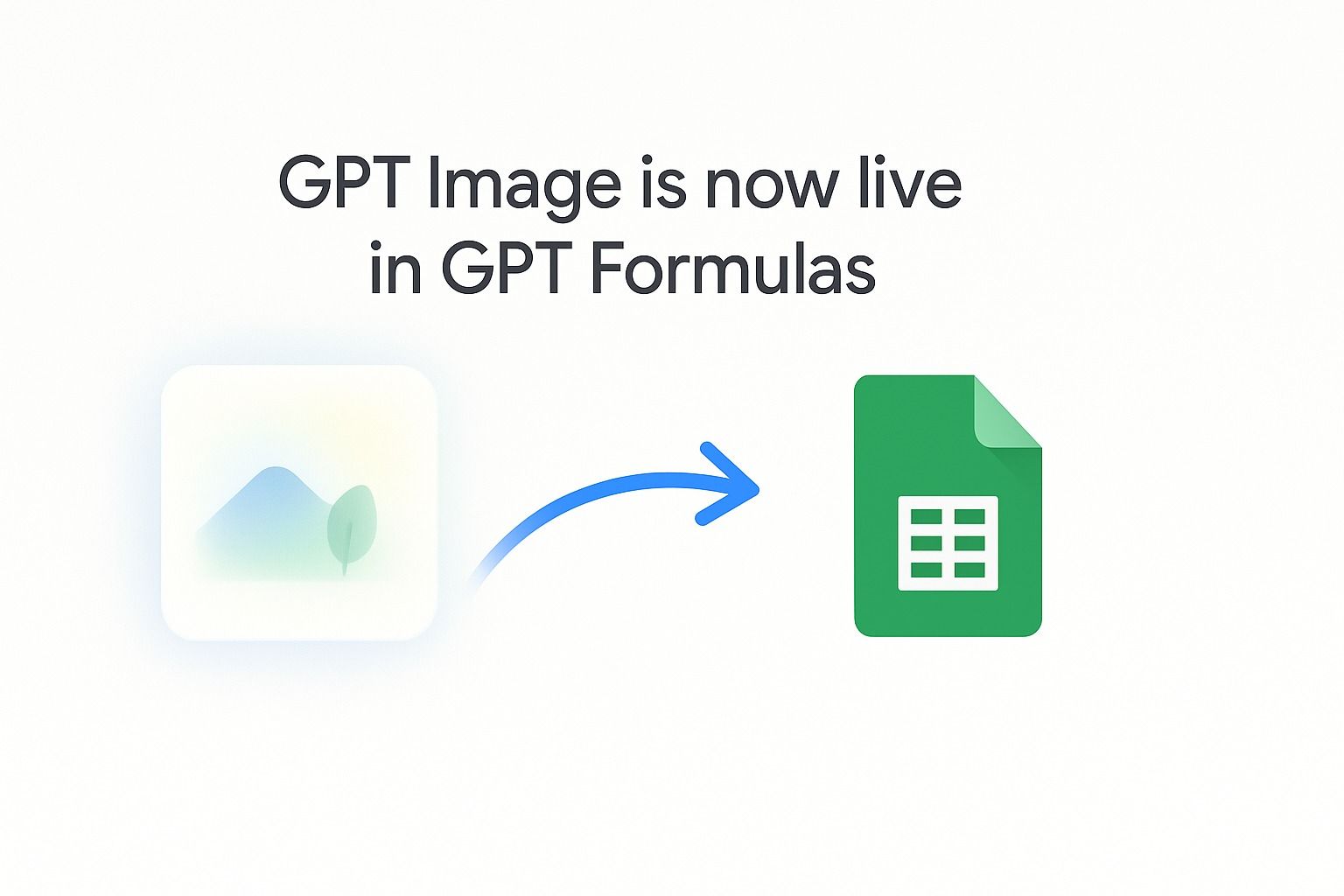
You can now leverage the GPT-Image-1 model using GPT_IMAGE in GPT for Sheets by default. Happy generating!
June 2nd, 2025
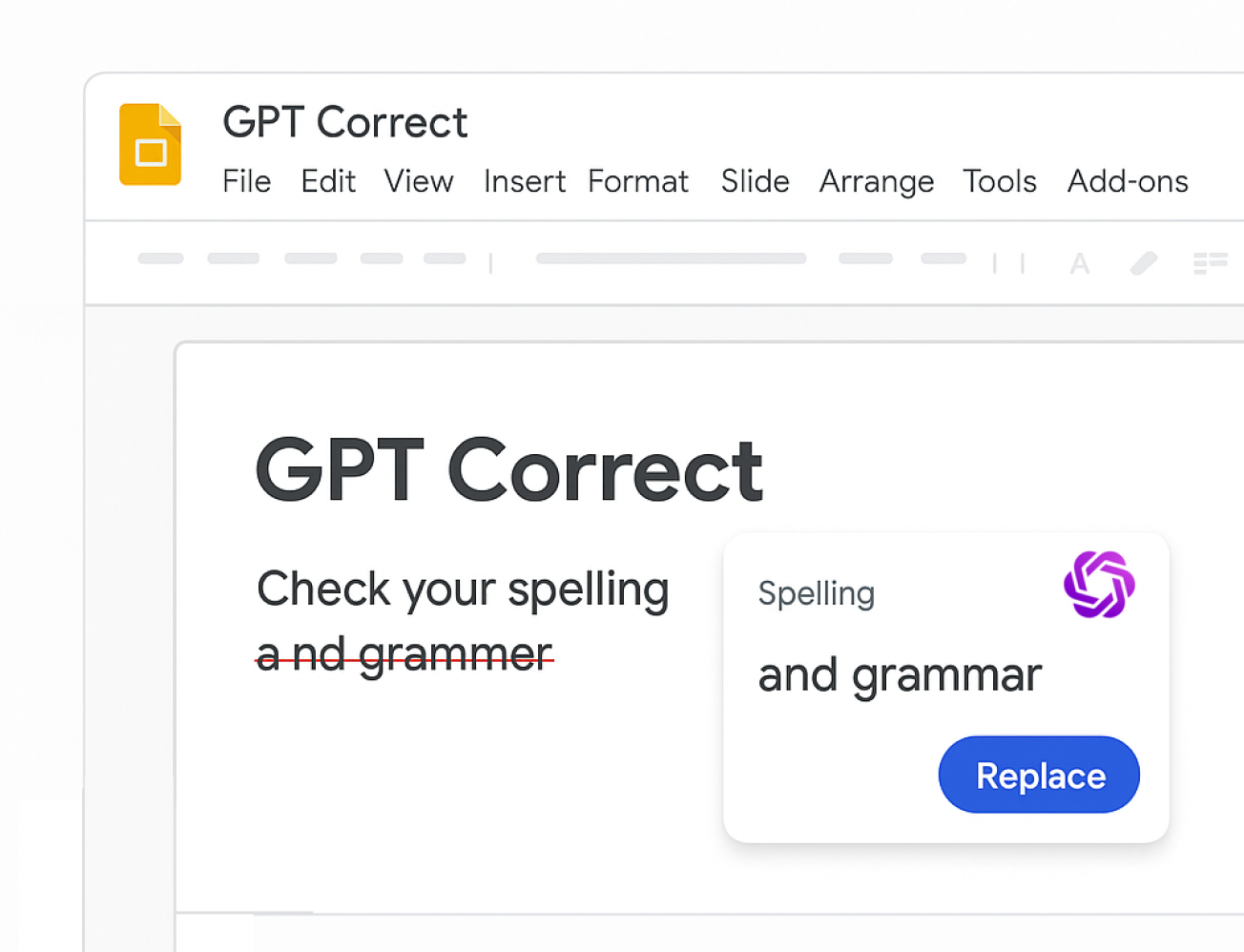
Fix grammar and spelling errors directly inside your presentations.
You can now use GPT Correct in Google Slides to catch and fix typos, grammar issues, and awkward phrasing—right as you edit. Get clean, confident writing suggestions in your speaker notes, slide content, and more, without ever leaving Slides.
May 6th, 2025
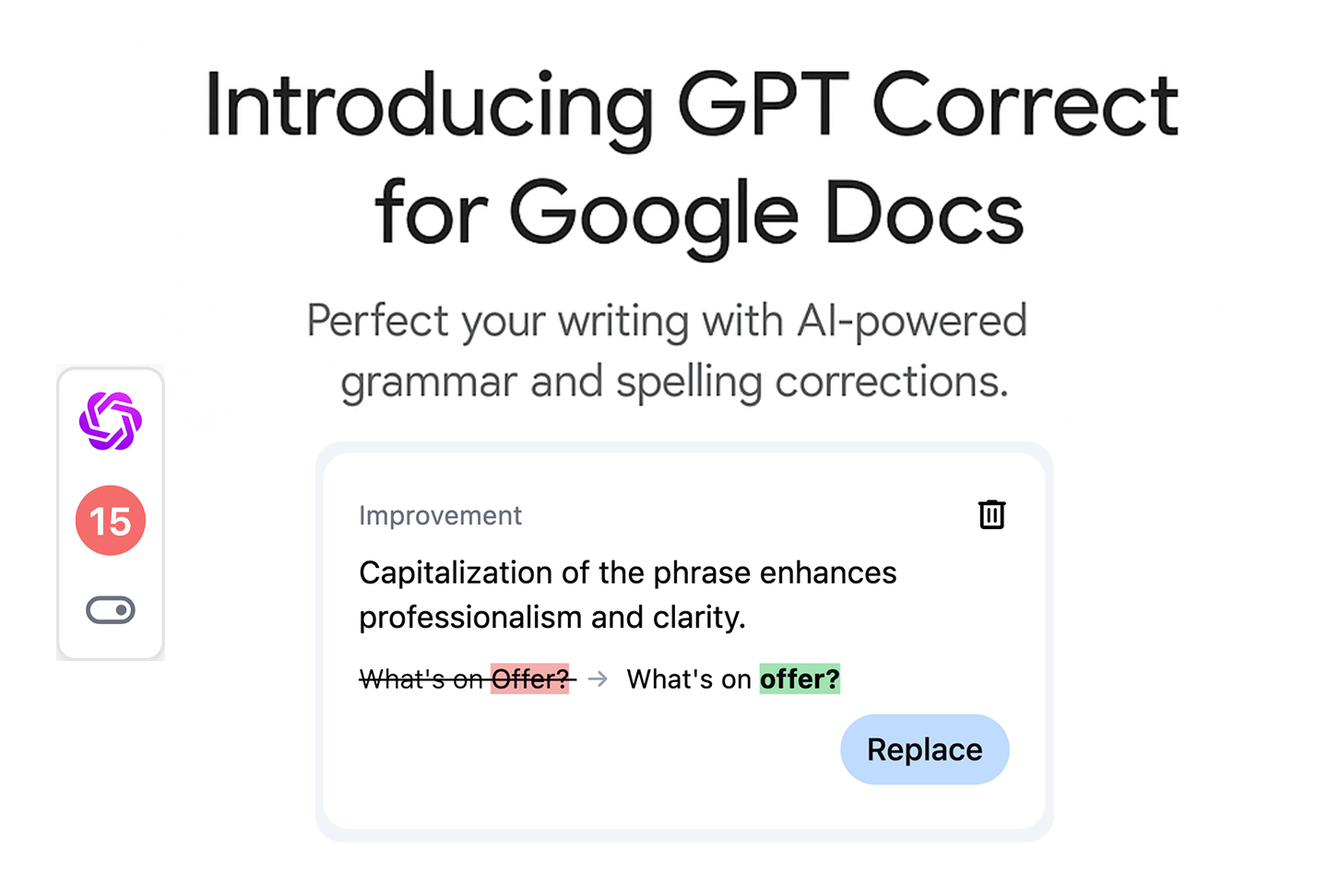
We’re excited to introduce GPT Correct, a new tool built into Google Docs that helps you automatically fix typos, grammar issues, and awkward phrasing with one click. Powered by GPT-4o, it delivers high-quality suggestions in real time without breaking your writing flow.
April 26th, 2025
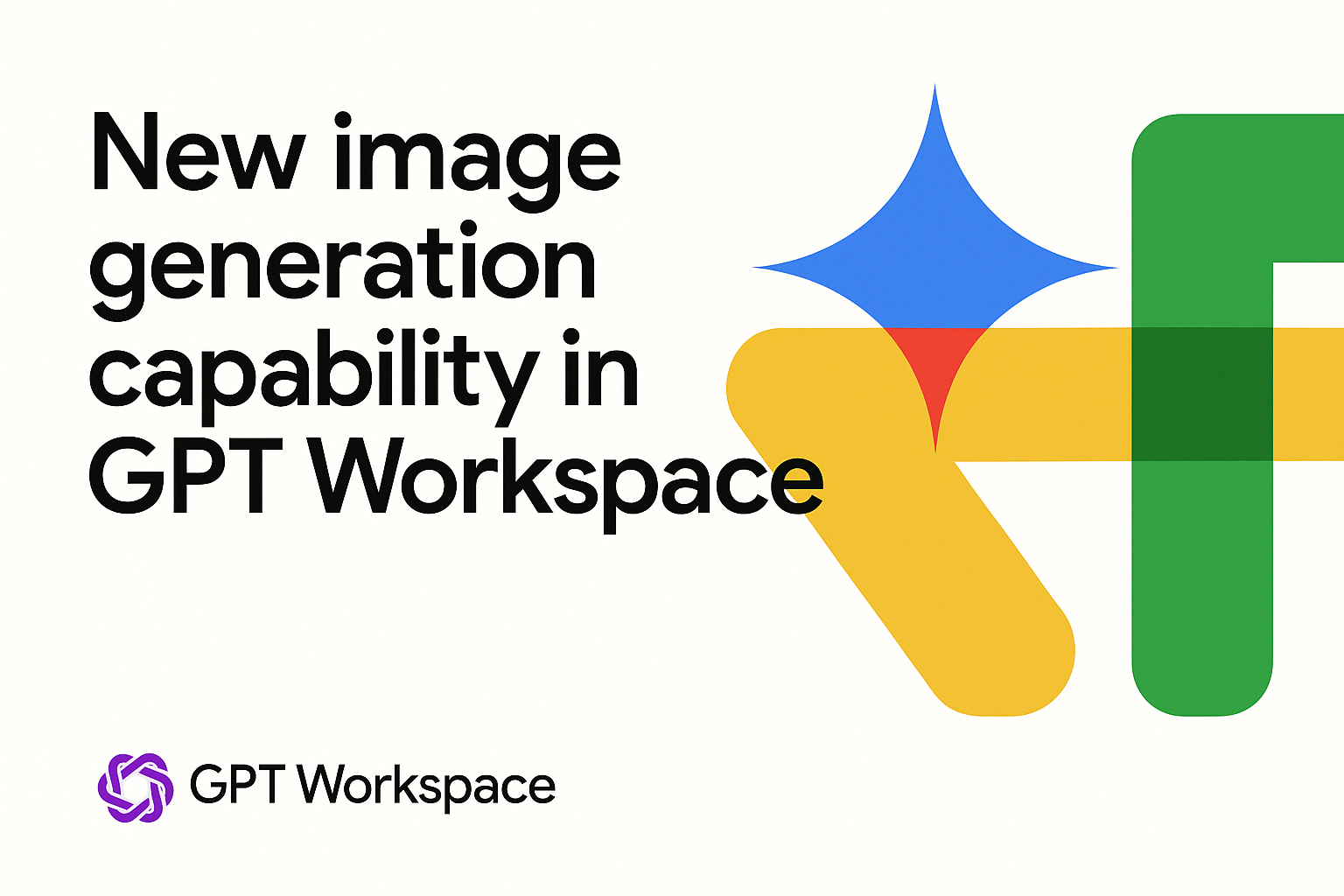
We’ve just integrated OpenAI’s latest image model, gpt-image-1, into the chat!
Enjoy significantly higher quality image generation—with more detail, realism, and creativity.
You can now:
• Transform your favorite photos into Studio Ghibli-style art
• Generate stunning visuals from scratch
• Edit and enhance existing images with precision
Try it out and get creative!
March 11th, 2025
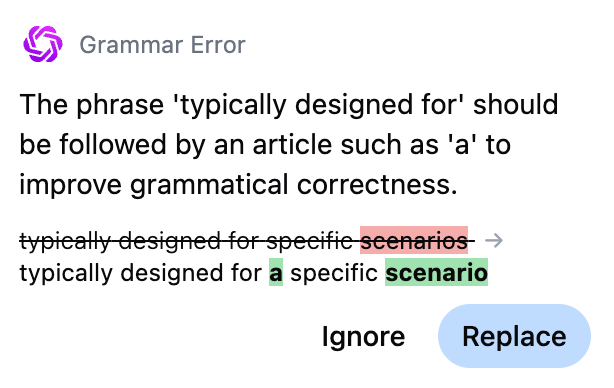
To try it out, open Google Docs and click on the suggested prompt “Correct errors.”
The tool will highlight areas in your document where you’ve made mistakes or where your writing style can be improved.
You can then simply accept the suggested improvements with just a click!
September 27th, 2024
September 17th, 2024
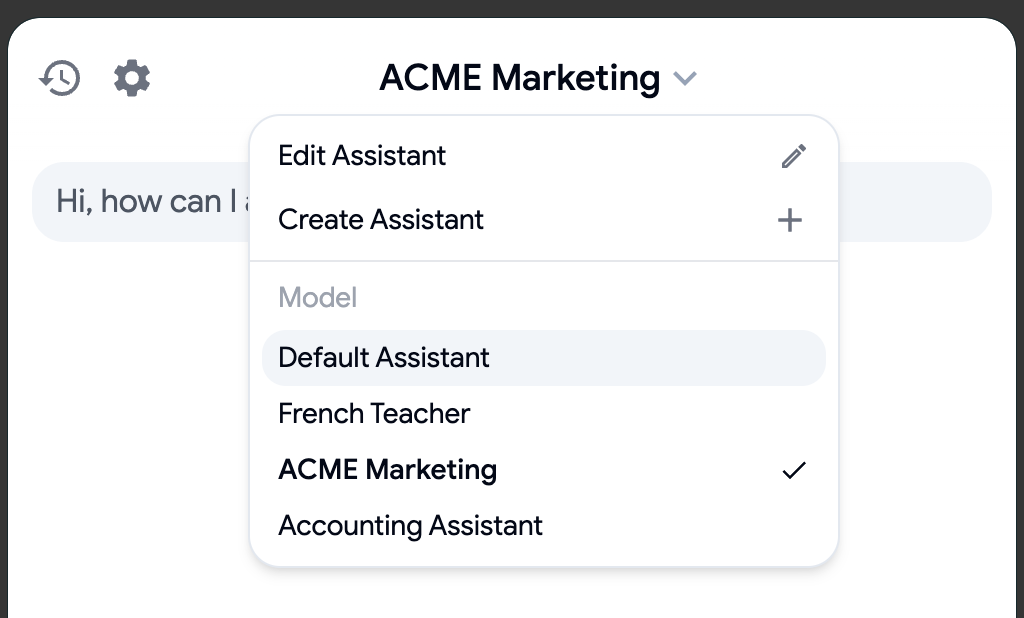
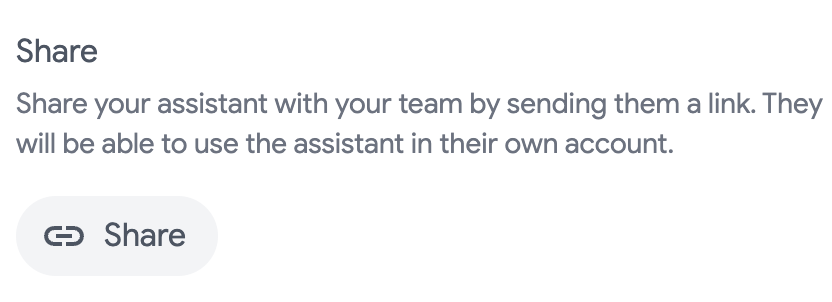
You can now create and interact with custom assistants tailored to your specific needs including adding context from Google Drive files. Whether it's a marketing expert, a French teacher, or an accounting assistant, the power is in your hands. Plus, enjoy a sleek UI refresh for a smoother experience.
September 2nd, 2024
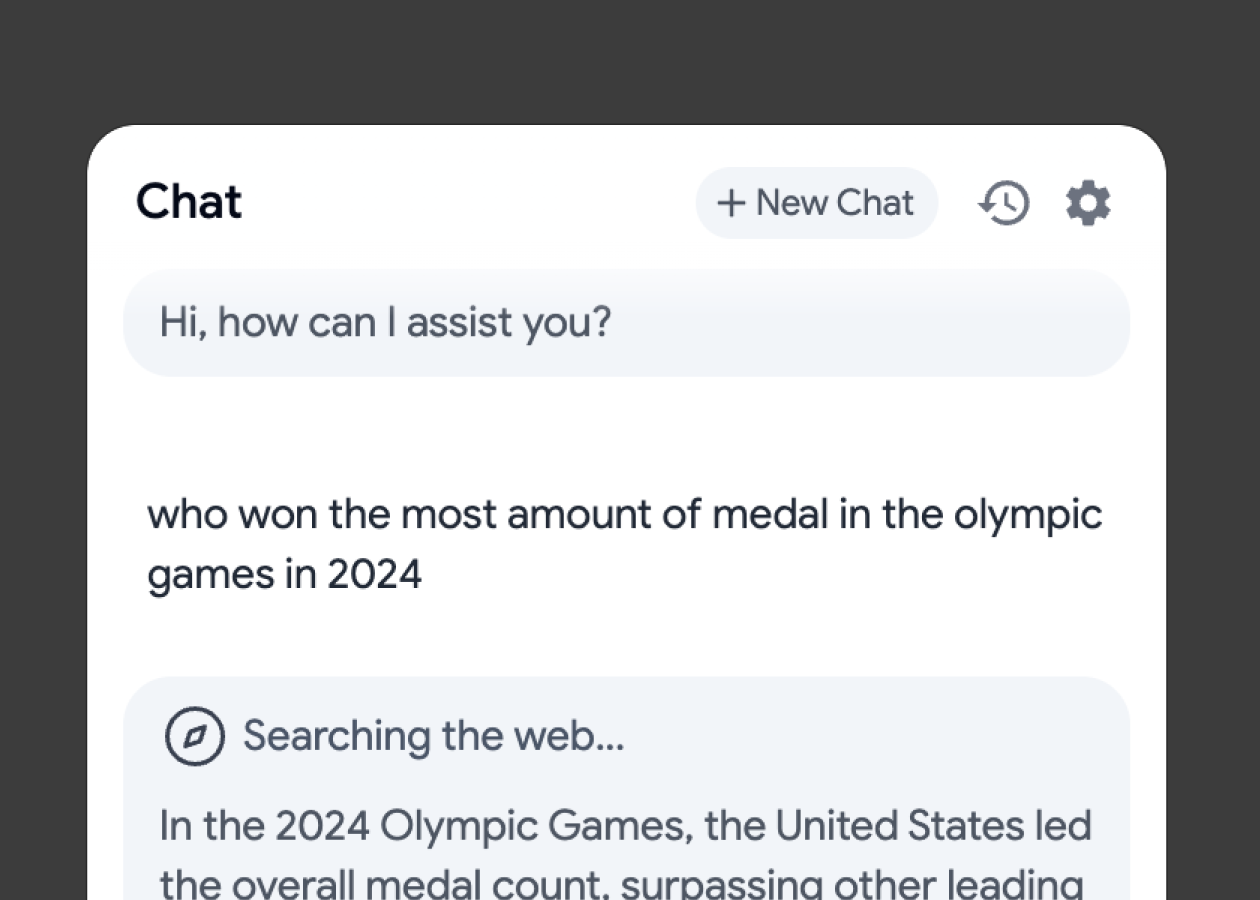
You can now use Web Search directly in GPT Workspace chat! Instantly pull in real-time data and news. Simply ask it to perform a search in the chat
July 10th, 2024
The application is now translated in more than 20 languages! You can change the translation of your interface at any time directly from the settings. Contact us for additional languages.